The Clinical Note Maker helps healthcare professionals turn medical details or uploaded files into a more structured clinical note. Instead of preparing the note from scratch, the....
Healthcare professionals often work with patient details, clinical observations, case notes, emotional concerns, reports, and follow-up information while trying to keep everything clear, accurate, and easy to review. Because of that, their work is not only about giving care, but also about organizing sensitive information, preparing structured notes, understanding patient context, and saving time in documentation without losing the important details.
Tools Overview
Tool
Purpose
Best use case
Clinical Note Maker
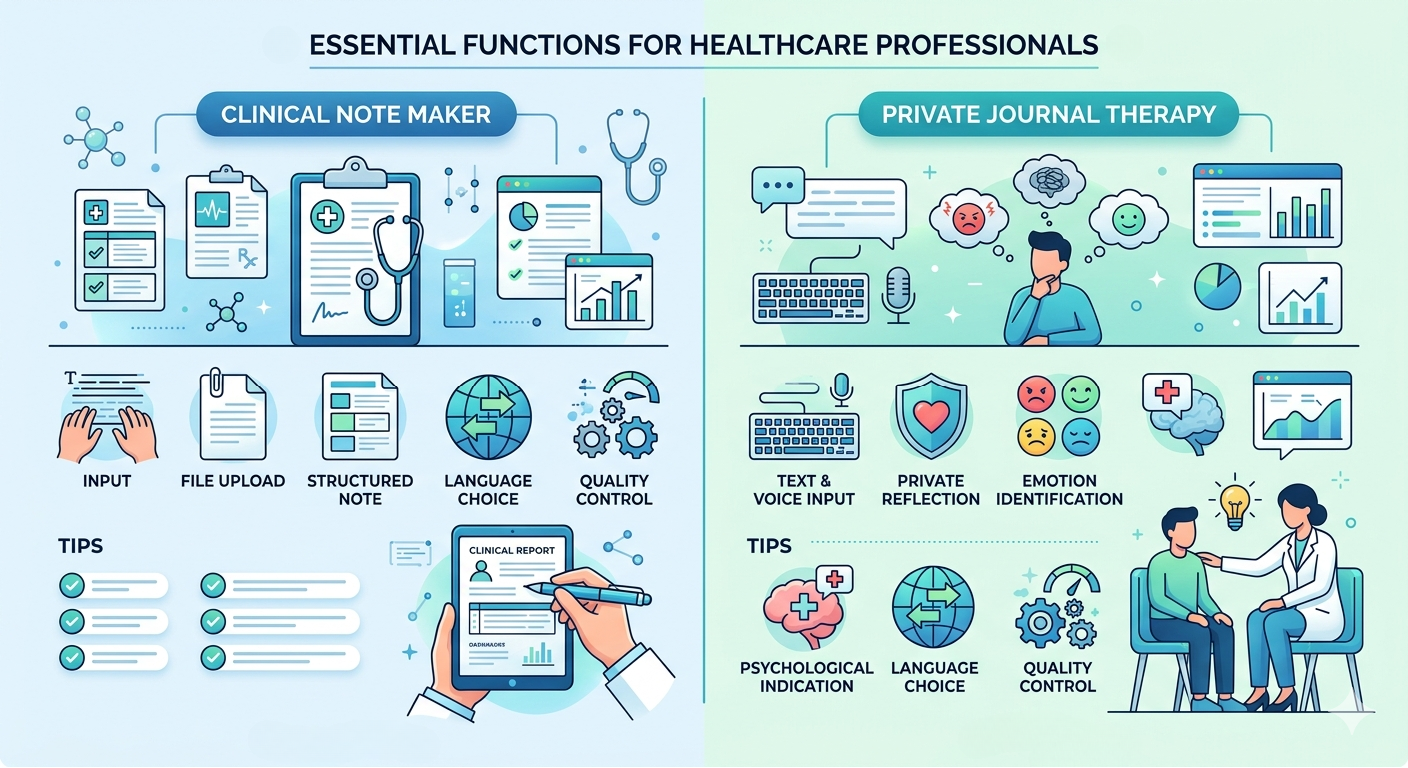
Creates structured notes from medical details or files
Patient notes and case summaries
Private Journal Therapy
Turns text or voice reflections into emotional insights
Therapy support and emotional tracking
Important functions for Healthcare Professionals
Create structured clinical notes from medical details
Problem
Healthcare professionals often collect patient details, symptoms, observations, treatment information, and follow-up notes from different sources. When this information is rough, scattered, or written quickly, turning it into a proper clinical note can take extra time and may slow down the documentation process.
Solution
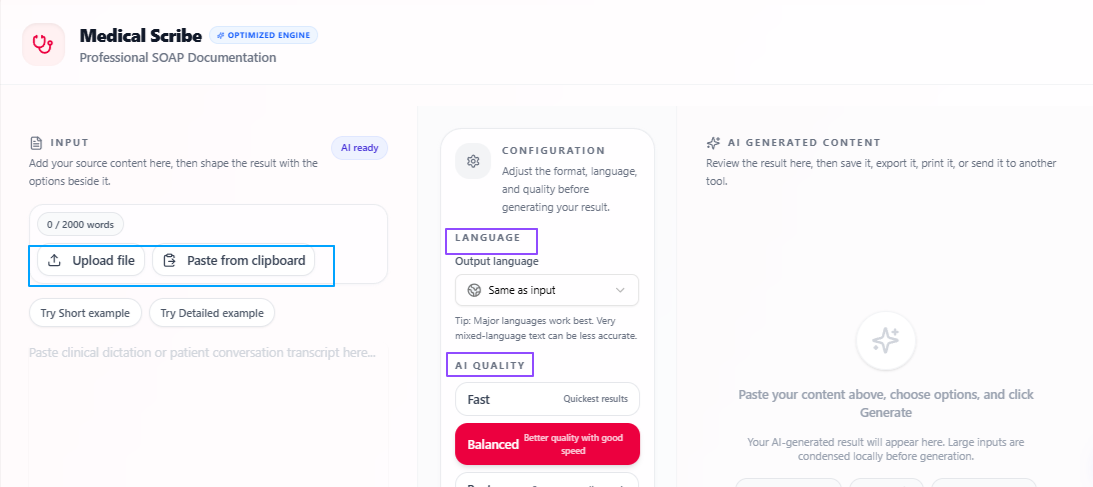
The Clinical Note Maker helps healthcare professionals turn medical details or uploaded files into a more structured clinical note. Instead of preparing the note from scratch, the user can add the relevant information and get a clear output that can be reviewed, edited, and used for medical documentation support.
Features
Medical detail input: Users can add patient-related medical details directly into the tool.
File upload support: Relevant files can be uploaded when the clinical note needs to be prepared from existing material.
Structured note output: The tool turns the given information into a proper clinical note format.
Language flexibility: The output language stays the same as the input by default, but users can select a different output language if needed.
Quality control: Users can choose Fast for quick output, Balanced for speed with quality, or Best for more focused and deeply prepared notes.
Tips to remember
Add clear and relevant medical details so the note is easier to structure.
Upload the correct file when the clinical note depends on existing records.
Use Balanced for regular documentation work.
Use Best when the note needs more focused and detailed preparation.
Always review the final note before saving, sharing, or using it in a professional setting.
Understand emotional patterns from private journaling
Problem
Healthcare professionals, therapists, and mental health support teams often need a clear way to understand emotional concerns shared by a person. When someone expresses their thoughts in long text or voice form, it can take time to identify the main emotions, concerns, and psychological signals behind the input.
Solution
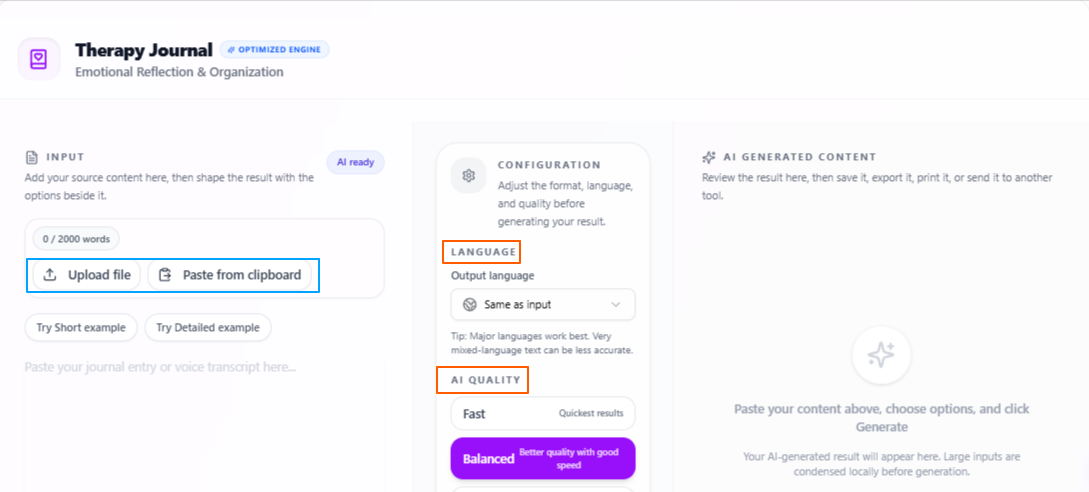
The Private Journal Therapy tool helps turn personal text or voice reflections into more organized emotional insights. It allows users to express their thoughts freely and then presents the emotions in a clearer form, using medical and psychological parameters to support better understanding and reflection.
Features:
Text and voice input: Users can express their thoughts by writing or speaking.
Private reflection support: The tool is designed for personal and sensitive emotional input.
Emotion identification: It helps turn raw thoughts into clearer emotional understanding.
Psychological indication: The tool analyzes the input using medical and psychological parameters.
Language flexibility: The output language stays the same as the input by default, but users can select a different output language if needed.
Quality control: Users can choose Fast for quick output, Balanced for speed with quality, or Best for more focused and deeply prepared results.
Tips to remember
Use clear and honest input so the emotional reflection is more useful.
Voice input can help when the user finds it easier to speak than write.
Use Best when deeper emotional analysis is needed.
Review the output carefully before using it for any professional discussion.
Treat the result as support for reflection, not as a final medical or psychological diagnosis.
Conclusion
Overall, these use cases show how healthcare professionals can use VoiceCraftTool to make sensitive documentation and reflection-based work more organized, from creating structured clinical notes to understanding emotional input in a clearer way. It helps reduce extra manual effort around notes, summaries, and patient-related information, so professionals can review important details more easily and support their work with a cleaner, more focused process.
Next step
Put this workflow to work
Use the tools directly once you finish reading, so the guide turns into action instead of just reference material.